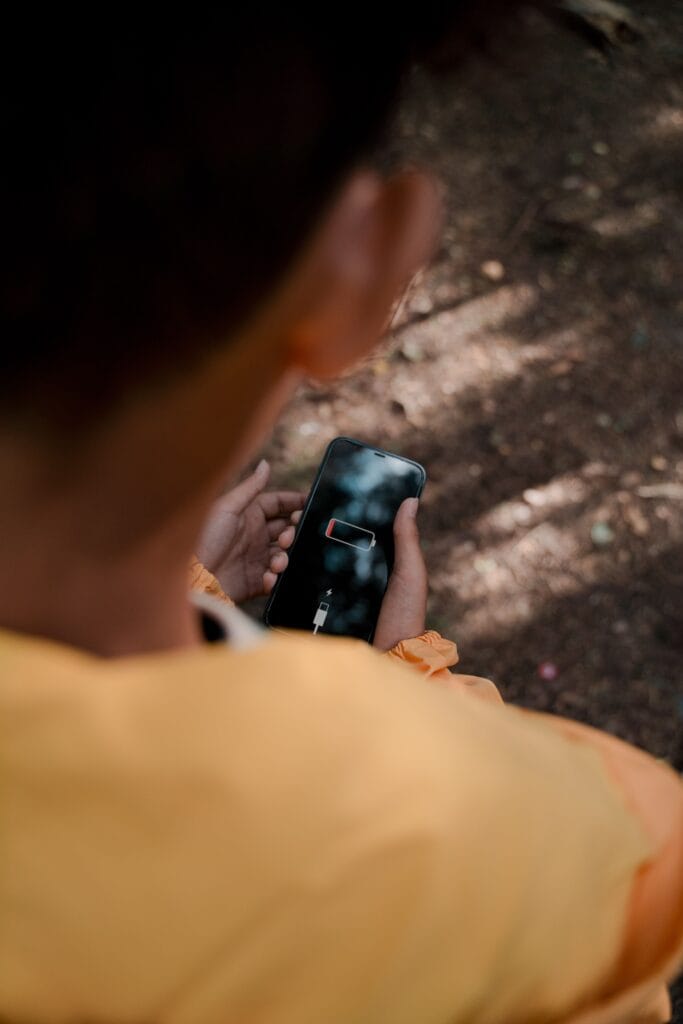
You charge your phone in the morning, use it for a few hours, and suddenly you’re already looking for a charger. Sound familiar? A phone battery losing charge quickly can be annoying, especially when you’re out, travelling, working, or simply don’t have a charger nearby. Sometimes the reason is obvious, like heavy gaming or watching videos for hours. Other times, a small setting or an app running quietly in the background may be using more power than you realise. Before assuming that your battery needs to be replaced, check these common causes.
1. Check Which Apps Are Using the Most Battery
Your phone usually shows which apps are consuming the most power.
Go to Settings → Battery → Battery Usage or a similar option on your device. The exact name can vary between Android phones and iPhones.
If an app you barely use is near the top of the list, that’s worth investigating. You can update it, restrict its background activity, or uninstall it if you don’t really need it.
2. Your Screen May Be Using More Power Than You Think
A bright display is one of the easiest ways to drain a battery.
If your brightness is always close to maximum, try lowering it a little. You can also turn on adaptive brightness so your phone adjusts the screen according to the surrounding light.
A shorter screen timeout can help too.
You don’t have to keep your screen extremely dim. Even a small adjustment can make a difference during a long day.
3. Too Many Apps May Be Running in the Background
Some apps continue checking for messages, refreshing content, or using your location even when you’re not actively using them.
Check which apps have background activity and restrict the ones that don’t need it.
Social media, shopping and streaming apps can sometimes be particularly active in the background.
4. Poor Network Signal Can Drain Your Battery
This one is easy to overlook.
When your phone has a weak mobile signal, it may work harder to maintain a connection. If you’re somewhere with poor reception—such as a basement, crowded building, rural area or certain indoor locations—you may notice your battery dropping faster.
If you don’t need mobile connectivity for a while and you’re somewhere with no useful signal, Airplane Mode can save power.
5. Location Services Could Be Running Constantly
Maps and other location-based apps need access to your location, but not every app needs it all the time.
Check your location permissions and see which apps have access.
Where possible, choose an option such as “While Using the App” rather than allowing continuous access.
6. Your Phone Might Be Too Hot
Heat isn’t good for batteries.
Heavy gaming, long video sessions, direct sunlight, hot cars and intensive apps can all raise the phone’s temperature.
If your phone feels unusually hot, give it a break. Move it somewhere cooler and avoid putting it under a pillow or blanket while it’s working hard.
If overheating happens regularly even when you’re doing very little, it’s worth getting the phone checked.
7. An Update Could Be Causing Temporary Battery Drain
Sometimes battery usage changes after a software or app update.
Your phone may be doing extra background work for a while after an update, or a newly updated app may have a problem.
First, check whether another update is available. If the battery drain started immediately after updating a particular app, check whether other users are reporting the same issue and whether the developer has released a fix.
8. Your Battery May Simply Be Getting Older
Phone batteries don’t stay at their original capacity forever.
If you’ve been using the same phone for several years and it now needs charging much more frequently than before, battery ageing may be the reason.
On many phones, you can check battery health or battery condition in Settings.
A noticeably reduced battery capacity doesn’t necessarily mean you need a new phone. If the rest of the device works well, replacing the battery may be a more practical option.
9. You May Be Using More Power Than You Realise
Sometimes there isn’t anything wrong with the battery at all.
A day filled with video calls, GPS navigation, gaming, streaming, mobile data and photography will naturally use more power than a quiet day of messaging and reading.
Think about what changed when the battery started disappearing faster.
Did you install a new game? Start using navigation more often? Spend more time watching videos?
That clue can help you find the cause.
10. Try Battery Saver When You Need Your Phone to Last
If you’re travelling or know you won’t have access to a charger, turn on your phone’s battery-saving mode.
It may reduce background activity, limit certain features and make other small changes to extend battery life.
You don’t necessarily need to keep it switched on all the time. It can be especially useful when your battery is already low and you still have several hours to go.
When Should You Get the Battery Checked?
Fast battery drain is usually something you can troubleshoot yourself. But don’t ignore unusual signs.
Consider getting professional help if your phone:
- Becomes extremely hot without heavy use
- Shuts down unexpectedly
- Has a visibly swollen battery or lifted back panel
- Charges unusually slowly
- Loses a large amount of charge while sitting unused
- Has suddenly developed severe battery problems
If you notice swelling, stop using and charging the device and seek professional assistance rather than trying to open the phone yourself.
A Simple Battery Check to Start With
Before buying anything or replacing your phone, spend five minutes checking Battery Usage, screen brightness, background apps, location permissions and battery health.
You may find that one app or setting is responsible for most of the drain.
And if the battery itself has simply aged, you may only need a battery replacement—not an entirely new phone.